Advanced Python Programming

Advanced Python Programming

Go beyond scripting — design, architect, and build systems that reflect how professional Python developers work.

0.0
|
Leaders (Ages 18-21) (Age Group)
|
advance
|
0 Sessions
What You'll Learn
Organise Python programs across multiple files using a modular architecture
Design and build class-based applications using OOP: encapsulation, inheritance, and polymorphism
Handle errors robustly using custom exceptions, try/except/else/finally, and regex validation
Save and load structured data using JSON persistence with proper context managers
Install and manage external packages using pip and virtual environments
Systematically test, debug, and refactor applications at a professional standard
Design and present a complete advanced Python application demonstrating architectural maturity
What You Will Build

Modules 1–8 progressively build a student utility application with increasing sophistication: clean output formatting in Module 1, nested data processing in Module 2, OOP classes in Module 3, an inheritance hierarchy in Module 4, a validators.py module with regex in Module 5, a storage.py persistence layer in Module 6, a full multi-file project structure in Module 7, and a polished integrated application in Module 8. Module 9: Learners independently design and build a substantial Python application (study tracker, expense tracker, library system, quiz engine, or a custom proposal), then deliver a 7-minute technical presentation explaining every architectural decision. 
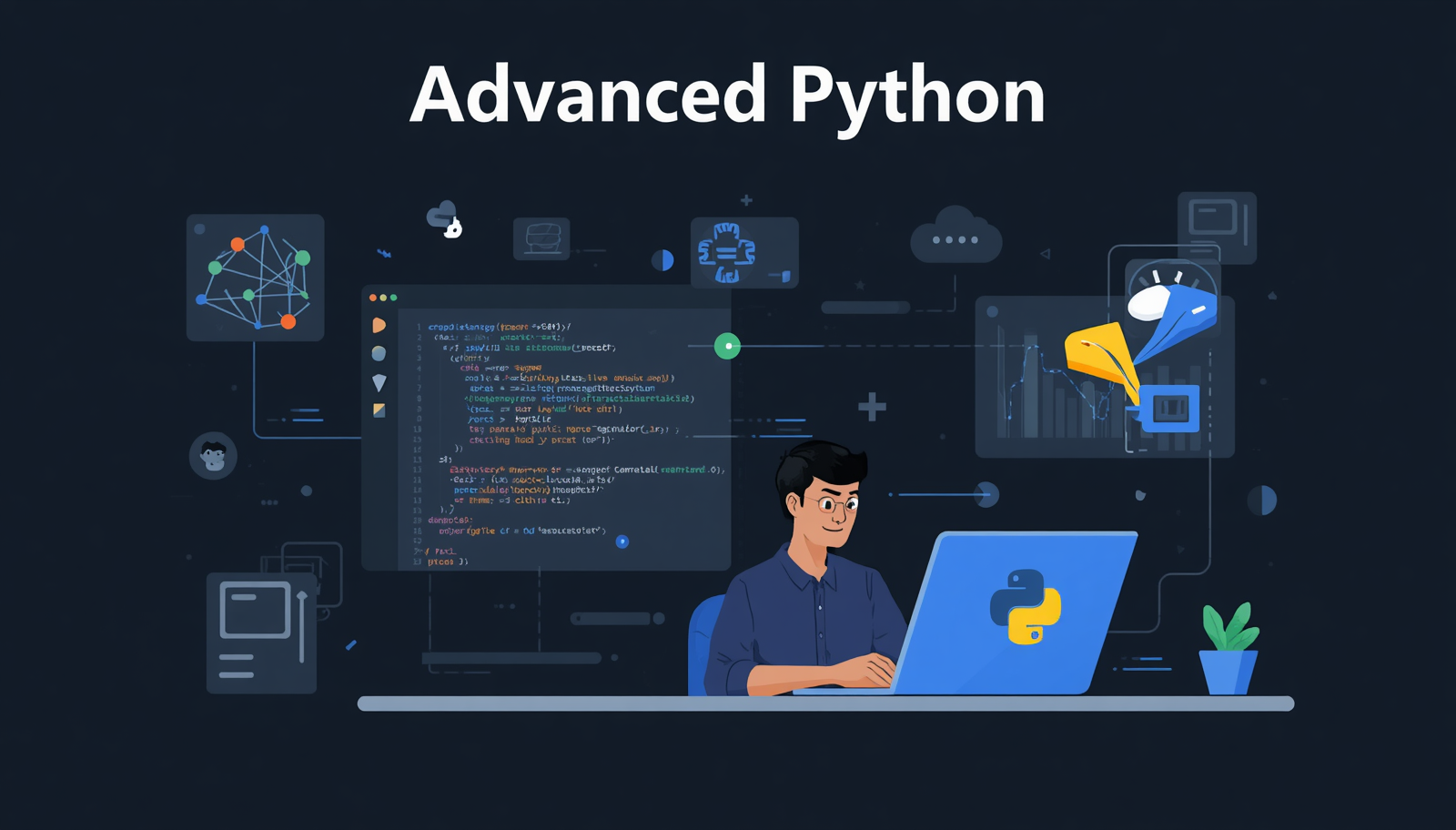
Why This Course
This course bridges the gap between student-level Python and the style of programming expected in university computer science, technical internships, and junior developer roles. The emphasis is not just on making code work — it is on making code that is structured, testable, extensible, and explainable. Object-oriented design, modular architecture, and robust error handling are the foundations of every real-world Python application in use today, from web frameworks to data pipelines to APIs.
Tools & Technologies
Replit — recommended for live tutoring; browser-based, no install required
VS Code with Python extension — recommended for local development and multi-file projects
Python 3.10+ — local installation pip — package installation venv — virtual environment management JSON viewer (optional) — for inspecting saved data files
Advanced Python Programming
0
credits per session
TOTAL
0 Credits
0 Sessions

Create an account to access full course details and start learning